How To Bid On Lots

Here’s a quick video that walks you through the basics:
Before you can bid, make sure you’ve registered an account with Up For Bids and verified your identity.
Once you’re set up, bidding is simple.
How do I place a bid?
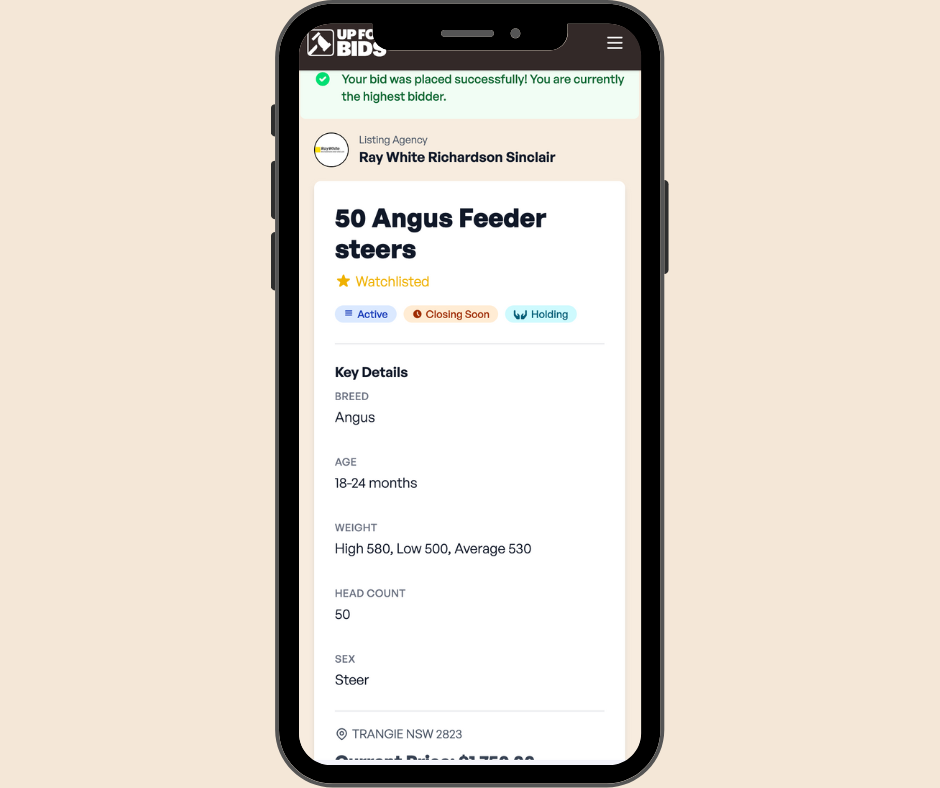
Find the lot you want to bid on and open it. Under Key Details, you’ll see all the information you need to know before placing a bid.
What does “Current Price” mean?
The current price shows the minimum amount you can bid. For example, if the current price is $1,500, that’s the lowest bid allowed.
You can bid higher if you like, as long as it fits within the bid increments shown.
What are bid increments?
Bid increments tell you how much each new bid must increase by. Example: if the increment is $10 and the current price is $1,500, your next bid must be at least $1,510.
What is Autobid?
If you tick the Autobid box when you enter your bid, the system will automatically bid for you in the set increments up to your maximum amount.
Learn more about Autobid here
What is Buy Now?
Some lots include a Buy Now option.
If you choose this, you can buy the lot immediately for the listed price and the auction for that lot closes straight away.
How do I know if I’m the highest bidder?
If you’re currently winning, you’ll see it displayed clearly on the lot page.
Keep in mind, if someone has an Autobid set higher than your bid, the system will outbid you automatically.
How will I know if I’ve been outbid?
You’ll get a notification each time you’re outbid, so you can decide whether to place another bid.
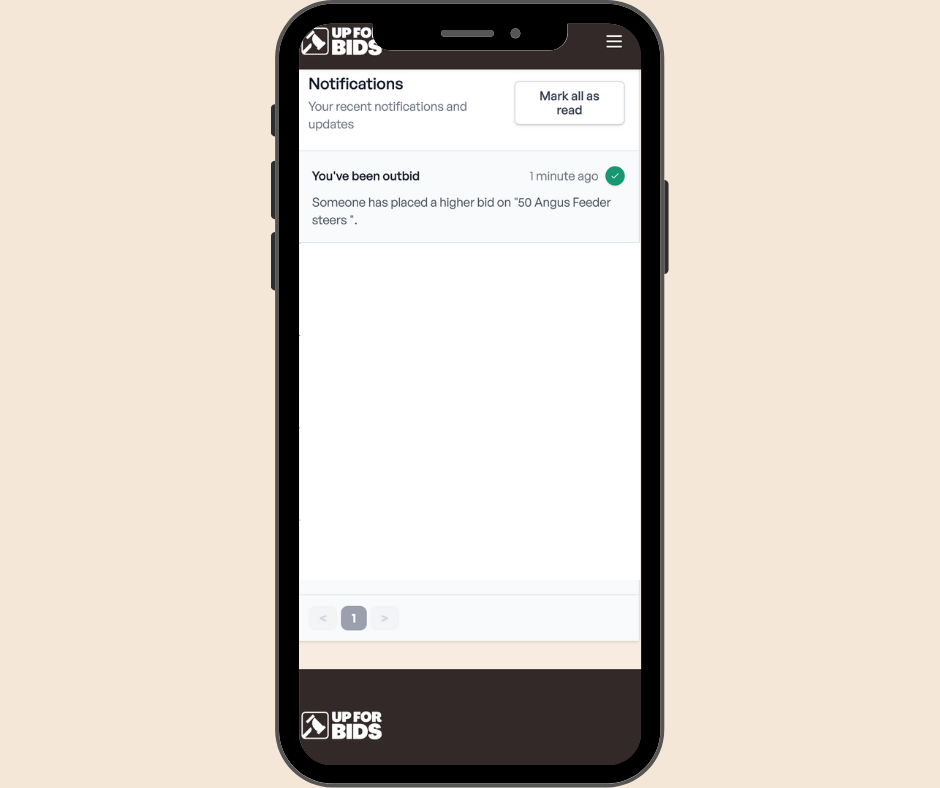
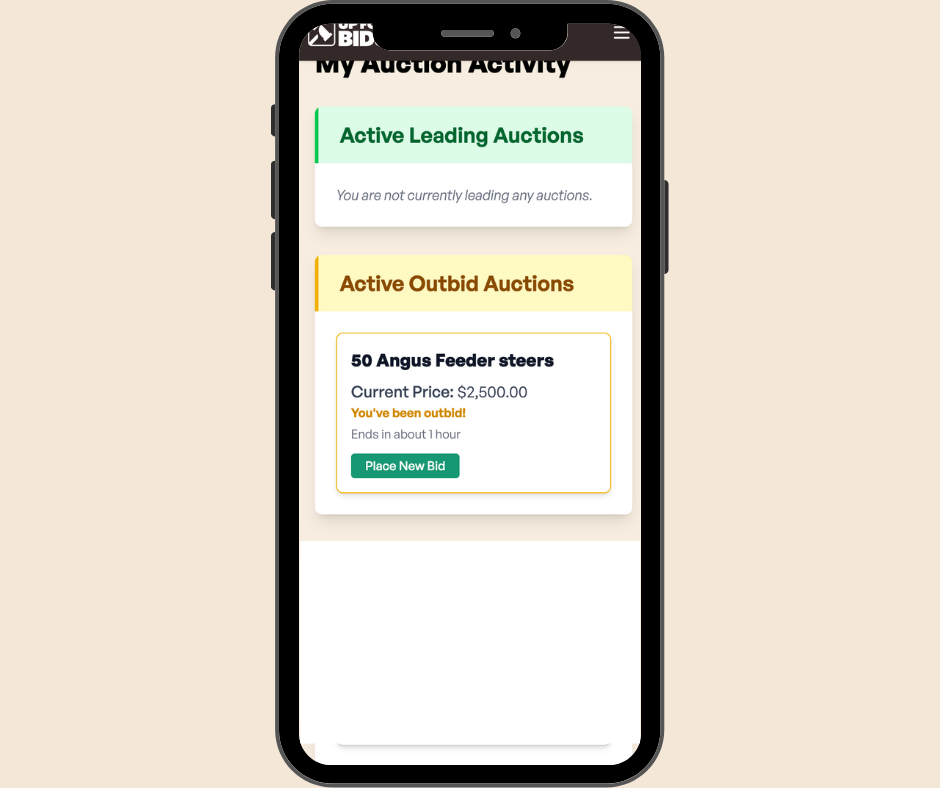
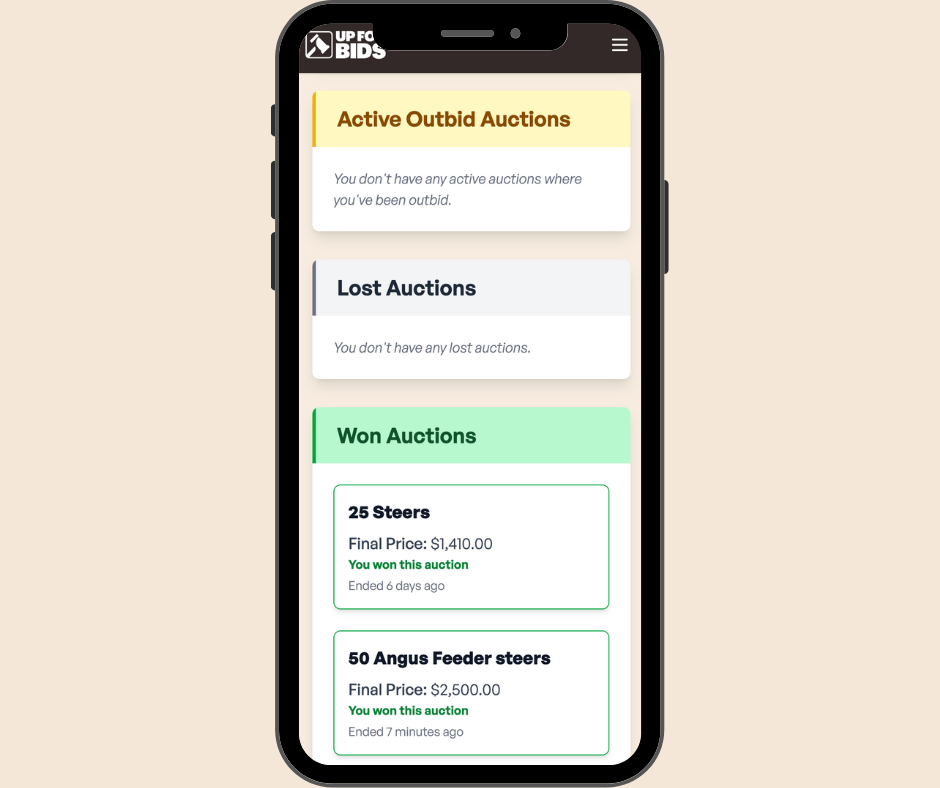
You can also see all the auctions you are bidding on in one screen via your “My Auction Activity”
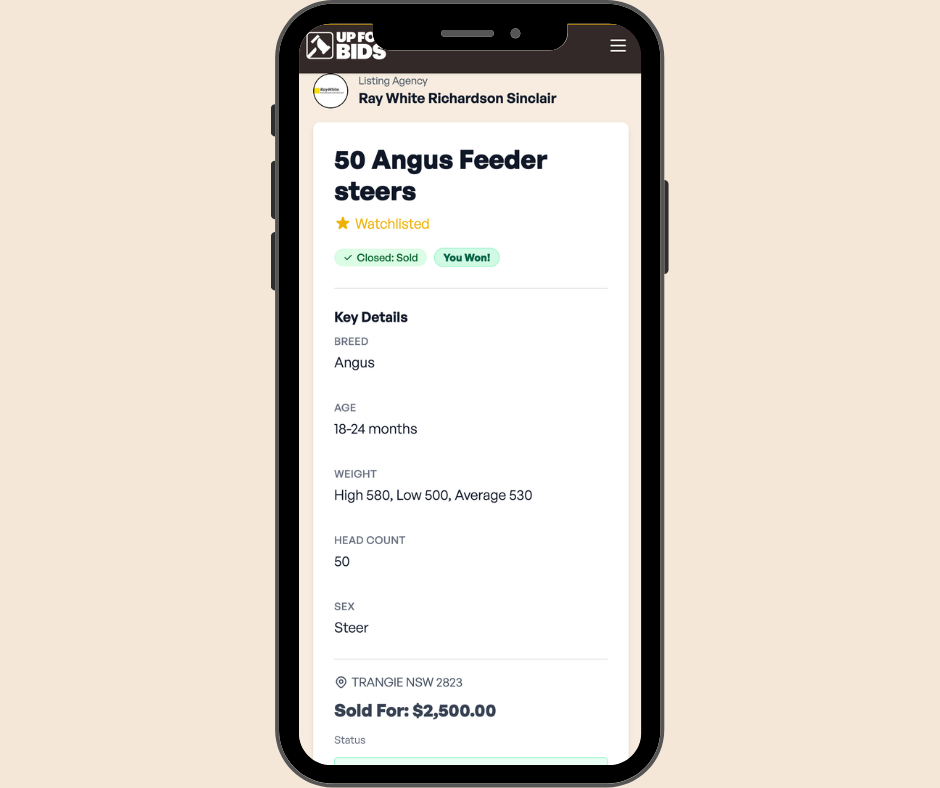
How do I know if I’ve won?
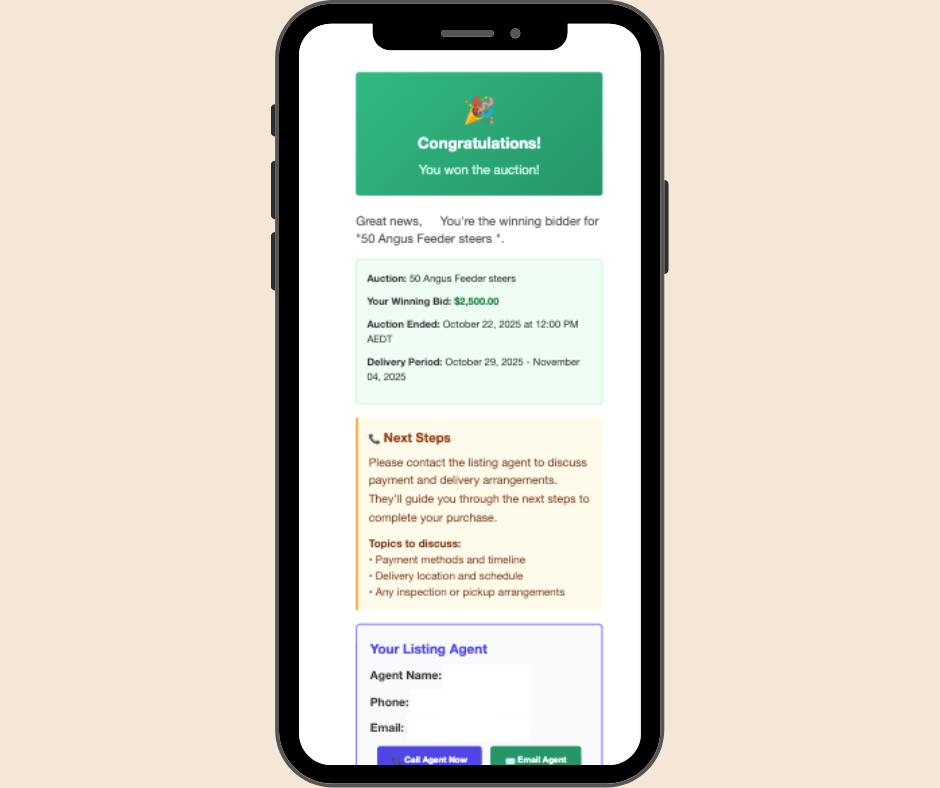
If you’re still the highest bidder when the auction closes and the lot has met its reserve, you’ll receive an email confirming your win as well as a notification